Quick Answer
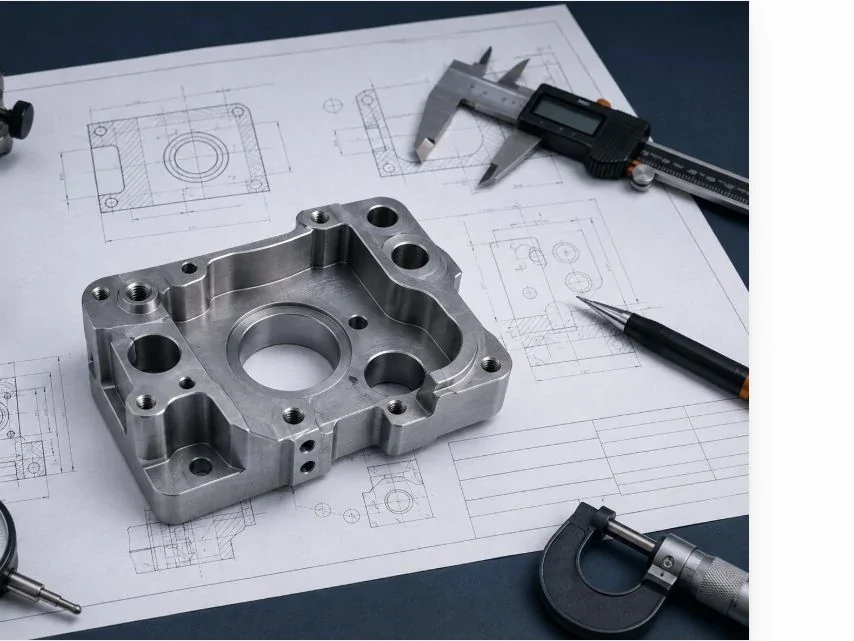
A quote-ready drawing specifies material, finished dimensions, datums, tolerances, threads, surface requirements and inspection needs. Supply the matching 3D model, and state which document governs if the files disagree.
Key Takeaways
- Dimension from functional datums instead of chaining dimensions across the part.
- Separate critical requirements from general notes so they can be reviewed quickly.
- Include revision control and a clear file set before requesting a quote.
- Open the exported PDF and model independently to check that views, symbols and attachments are complete.
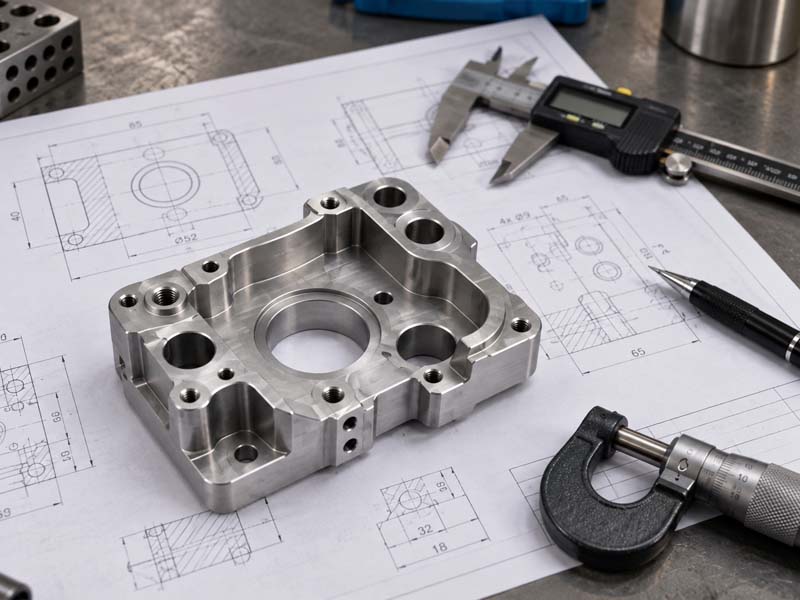
A model may show a hole without telling the supplier whether it is threaded, fitted or simple clearance. A drawing can add that intent, but only if it matches the model revision. Use the checklist below to remove the questions that would otherwise delay a quote or cause different suppliers to price different work.
Drawing Release Checklist
- Material: specify grade, condition where relevant and required material documents.
- Critical dimensions: identify fits, locating features and functional relationships.
- Tolerances: show individual limits and the general rule for other dimensions.
- Threads: state designation, pitch, usable depth and class where required.
- Datums: identify the surfaces that locate the part in its assembly.
- Surface finish: mark controlled and cosmetic zones, masking and final condition.
- Inspection: specify critical checks, records and any required support condition.
- Revision: match the part number and current revision across the PDF and order.
- 3D model relationship: attach the matching export and state which document governs a conflict.
Establish document identity and authority
Include a part number, revision, units and a material requirement. Name the matching model and explain which document controls if a model, drawing or purchase note appears to conflict. Send one current package, not several near-identical files whose status must be guessed.
If you are requesting an early feasibility review, identify unresolved decisions explicitly. A marked-up draft can still be useful when its status is clear. Do not let an RFQ sketch silently become the production authority; approved requirements should be released through your own change-control process.
Dimension function before filling the sheet
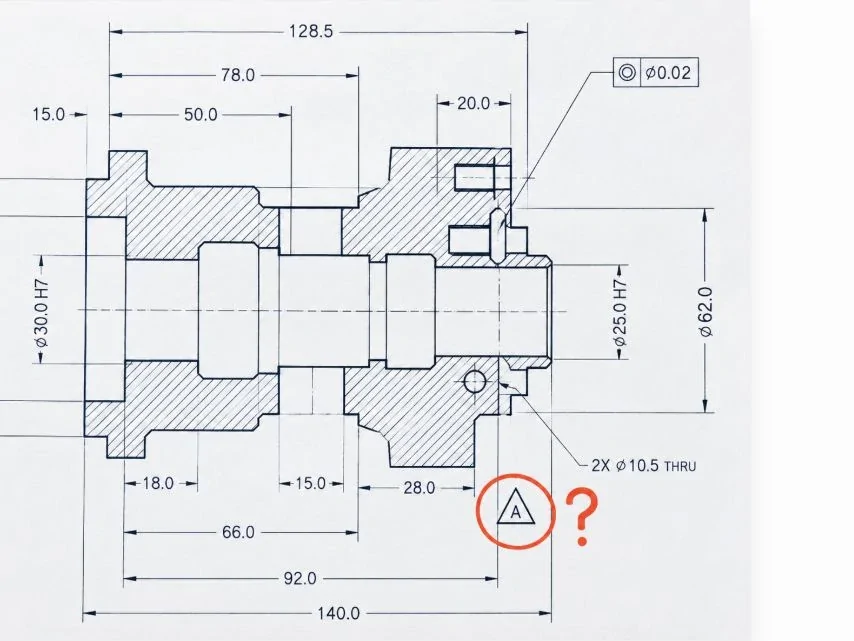
Identify the surfaces that locate the part in its assembly. Use those references to define critical hole patterns, fits, orientations and relationships. A dimension is useful when it communicates manufacturing or acceptance intent; repeating every CAD edge can create redundant or conflicting controls.
Consider how a reviewer can reach and verify the feature. A datum on a small inaccessible surface may be difficult to simulate repeatably. A tight relation between features on opposite faces may influence setups. Use manufacturing drawing review to address these issues while changes are still possible.
Specify details that a solid model can hide
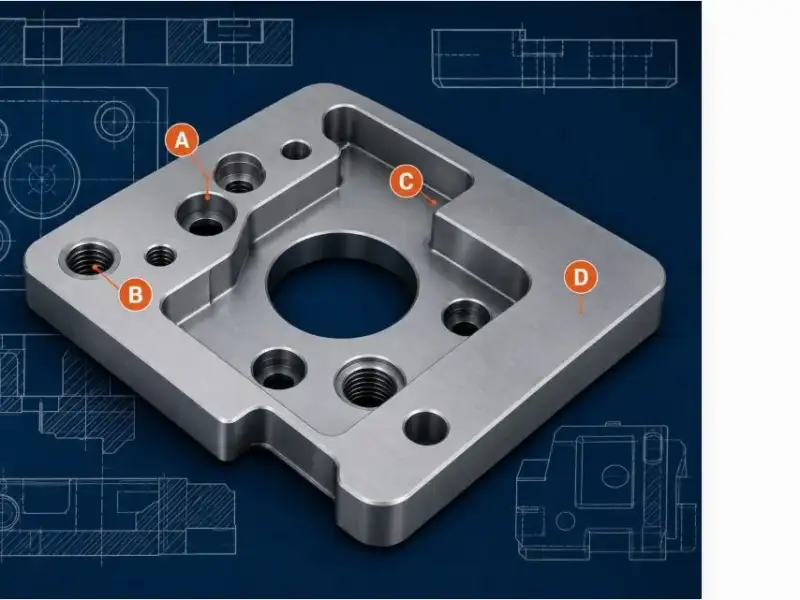
A modeled hole does not tell the supplier whether it is tapped, reamed, fitted or simply clearance. A thread feature may not communicate full usable depth at the bottom of a blind hole. Notes should remove these ambiguities without importing unrelated boilerplate requirements from another product.
Keep tolerances and inspection consistent
Place individual limits where function justifies them, and define a clear general rule for the remaining dimensions. Explain whether measurements apply to the free part, an assembled condition or a prescribed restraint. Where finishing changes the feature, state which condition governs acceptance.
The quality page explains the current inspection context. If you need recorded results, specify which features, how many parts, what format and when the records must be available. Do not assume that a request for tight dimensions automatically includes a particular report or every-piece measurement.
Before Sending Your RFQ
State the quantity and requested records alongside the files. List any open design decisions and name the person who can approve a manufacturing alternative.
| Field or file | Required content | Cross-check |
|---|---|---|
| Document identity | Part number and revision | Model, PDF and order refer to the same revision |
| Units and authority | Units and governing document | Conflicting notes have a defined resolution |
| Critical features | Limits, datums and functional relationships | Controls can be interpreted and inspected |
| Final condition | Material condition, finish and protected zones | Dimensions apply at the agreed stage |
| Model and PDF | Readable, independently opened exports | Views, symbols and referenced attachments are complete |
| RFQ scope | Quantity, records and open decisions | Quotation assumptions are explicit |
Check the package as the supplier will receive it
Open the exported model and PDF independently. Verify scale conventions, readable symbols, missing views, file names and revision alignment. Check that notes refer to actual features and that all referenced attachments are included. A section view can be more useful than an ambiguous hidden-line dimension.
Ask a colleague to find the material, finished state and assembly datums without explanation. Any uncertainty is likely to reappear during quotation. Resolve contradictions before asking several suppliers to price the same part; otherwise their assumptions may differ even when their prices look comparable.
What This Means for Your Part
Before sending the RFQ, attach the current model and drawing, quantity, requested delivery information and a list of open decisions. State which alternatives may be proposed and who approves them. Review the capabilities overview if process suitability is uncertain, but let the drawing and functional requirements determine the final route.
- Provide one current drawing revision and remove superseded dimensions from the package.
- Identify material, finish, threads and all dimensions that affect assembly function.
- Include the matching 3D model and note any surfaces that are cosmetic or inspection-critical.