
Introduction
Designing parts for CNC machining requires understanding how geometry, material, and tolerance choices affect manufacturability. Without proper design for manufacturability (DFM), parts can become expensive, difficult to produce, or even impossible to machine. This guide provides practical engineering insights to help you optimize your designs for CNC machining services, ensuring high quality while controlling cost.
Whether you are a mechanical engineer creating production parts or a procurement professional evaluating supplier quotes, these guidelines apply across most CNC milling, turning, and multi-axis processes.
Material Selection and Machinability
Aluminum Alloys
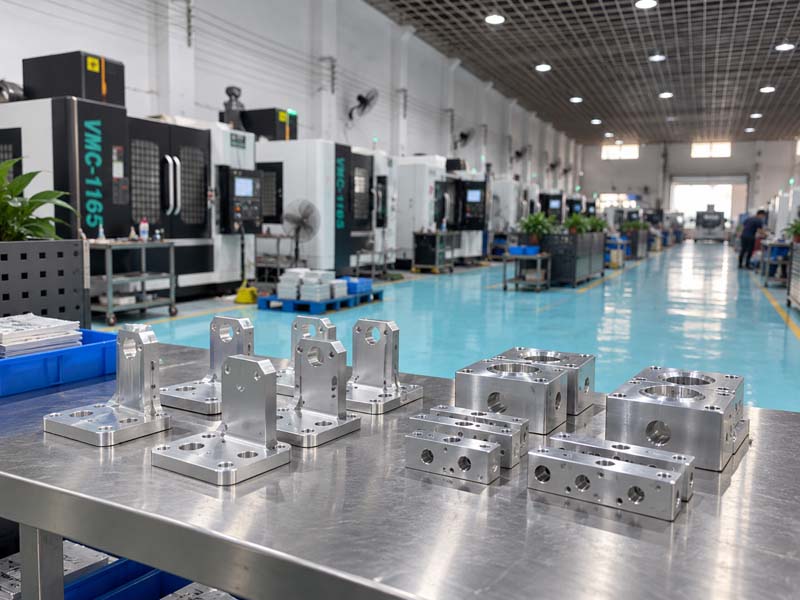
Aluminum (e.g., 6061, 7075) is the most commonly machined material due to its excellent machinability, low cutting forces, and good surface finish. It allows higher cutting speeds and longer tool life. For prototypes and low-volume production, aluminum is often the most cost-effective choice.
Stainless Steel
Stainless steel (304, 316, 17-4PH) is tougher and generates more heat during cutting. Designs should avoid thin walls and sharp internal corners to reduce tool wear and deformation. Using larger internal radii (R0.020" or more) helps.
Brass and Copper
Brass machines very easily and produces fine chips. Copper is more challenging due to its high ductility and tendency to create burrs. Both require sharp tooling and appropriate feeds.
Plastics
Engineering plastics like Delrin, Nylon, and PEEK can be machined, but they are prone to melting if speeds are too high. Designs should avoid very thin walls and deep pockets to reduce heat buildup.
Always specify the exact material grade and hardness in your drawing. This helps the machining team select correct tooling and parameters.
Critical Design Elements
Wall Thickness
Thin walls are susceptible to vibration, deflection, and breakage during machining. As a general reference, avoid walls thinner than 0.5 mm for aluminum and 1 mm for steel. For tall walls (height > 10x thickness), consider adding ribs or increasing thickness. Deep pockets with thin side walls are especially risky.
Internal Corners and Radii
CNC milling uses round tools, so internal corners cannot be perfectly square. The minimum internal radius is equal to the tool radius. A practical rule: use a corner radius of at least 1/3 of the pocket depth. For example, a 20 mm deep pocket should have a minimum corner radius of about 6 mm. Smaller radii require smaller tools, more passes, and longer cycle time.
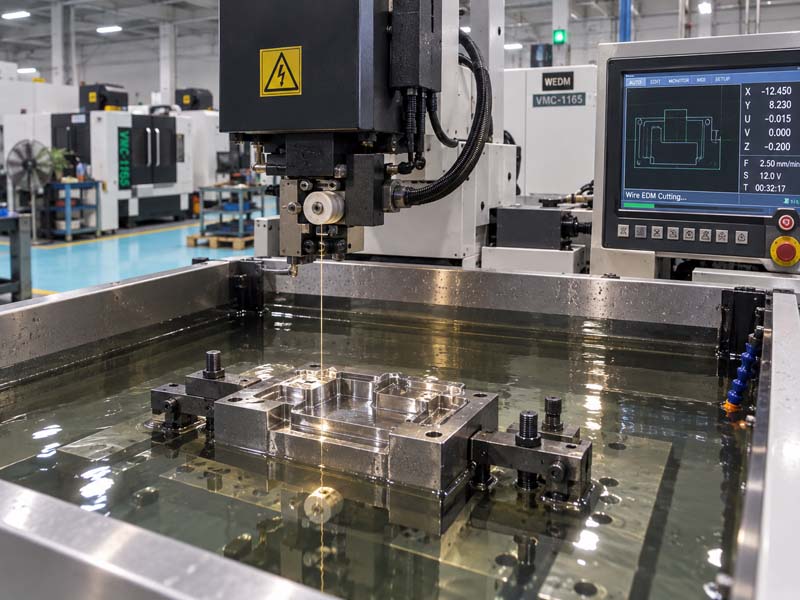
If a sharp internal corner is functionally required, consider adding a relief groove or using electrical discharge machining (EDM) as a secondary operation.
Deep Pockets and Cavities
Deep pockets increase tool length, which reduces rigidity and increases deflection. As a guideline, pocket depth should not exceed 4× the tool diameter. For deeper pockets, consider stepping down in diameter or using a tapered tool. If unavoidable, specify acceptable surface finish and tolerance limits.
Hole Design
Standard twist drills produce holes with a depth-to-diameter ratio of up to 10:1 without special tooling. Deeper holes require peck drilling or gun drilling, which adds cost. For threaded holes, use standard tap sizes when possible. Avoid blind threads with full depth if not necessary. Specify thread depth clearly on the drawing.
Undercuts
Undercuts usually require special tooling or multiple setups. If an undercut is necessary, design it with standard tool sizes (e.g., 1/4" or 6 mm radii). Better yet, redesign to avoid undercuts by using side features or sliding cores (if in a mold).
Tolerances and Surface Finish
Realistic Tolerances
CNC machining can achieve tight tolerances, but they increase cost significantly. Typical commercial tolerances are ±0.005" (0.13 mm) for dimensions. Precision tolerances of ±0.001" (0.025 mm) require careful setup, inspection, and possibly multiple cuts. Only apply tight tolerances to functional mating surfaces. Leave other dimensions as standard ISO 2768-m or equivalent.
Surface Roughness
Surface finishes are specified by Ra values. For general machining, Ra 3.2 μm (125 μin) is acceptable. For sliding surfaces or aesthetic parts, Ra 1.6 μm (63 μin) or better is used. Achieving Ra 0.8 μm (32 μin) requires fine finishing passes and possibly polish passes. Over-specifying surface finish increases cycle time and cost.
Always indicate the critical surfaces on your drawing. Use surface texture symbols according to ISO 1302 or ASME Y14.36.
Geometric Tolerances
Use GD&T (Geometric Dimensioning and Tolerancing) for features where flatness, parallelism, perpendicularity, concentricity, or position matter. Provide datum references clearly. Over-constraining parts with unnecessary geometric tolerances drives inspection time and scrap. A good practice: define only the features that affect assembly or function.
Design for Setup Reduction
Each setup change (reorienting the part) adds time and potential error. Reduce setup count by:
- Designing parts that can be machined in one or two setups.
- Avoiding features on multiple faces that require manual repositioning.
- Using standard stock sizes that can be held by standard vises or fixtures.
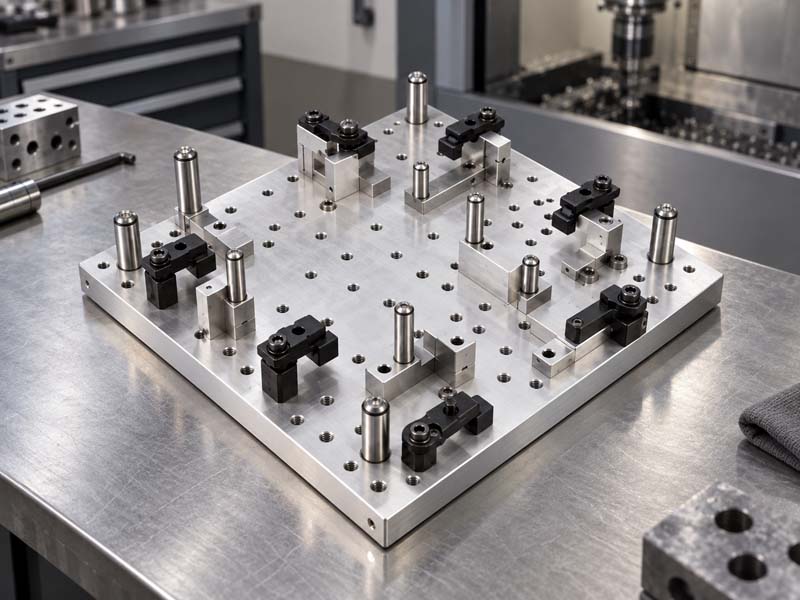
- Adding locating features (e.g., dowel holes, flats) to aid fixturing.
If your part requires 5-axis machining to reduce setups, consider if the geometry justifies the higher machine rate. For many parts, 3-axis plus a secondary operation is more economical.
Drawing and File Preparation
To receive an accurate CNC machining quote, provide a complete drawing (2D PDF or drawing in STEP / IGES) along with a 3D model (STEP, STP, or X_T). The drawing should include:
- All critical dimensions and their tolerances
- Surface finish requirements
- Thread specifications (size, depth, class)
- Material and hardness
- Datum and GD&T if applicable
Avoid missing dimensions or over-tolerancing. When in doubt, note “reference” for non-critical dimensions. The machining team will review the drawing and may suggest improvements to reduce cost without sacrificing function.
Common Cost Drivers
Understanding what increases cost helps you prioritize design changes:
- Extremely tight tolerances on many dimensions
- Deep pockets and long tools
- Thin walls that risk deformation
- Multiple setups due to complex geometry
- Exotic materials (titanium, Inconel) that wear tools quickly
- Requiring secondary operations like EDM, grinding, or polishing
- Large quantities without design optimization for cycle time
Review your design with a CNC machining manufacturer early in the development phase. Experienced engineers can identify DFM issues before you release for production, saving both time and money.
Conclusion
Good CNC machining design is about balancing function, manufacturability, and cost. By following these guidelines—choosing machinable materials, avoiding overly thin walls, providing adequate radii, specifying only necessary tolerances, and preparing clear drawings—you ensure that your parts are produced efficiently and reliably. Always collaborate with your machining partner for a design review; their hands-on experience is invaluable.
For more information about precision CNC machining, visit our website or contact our engineering team.