
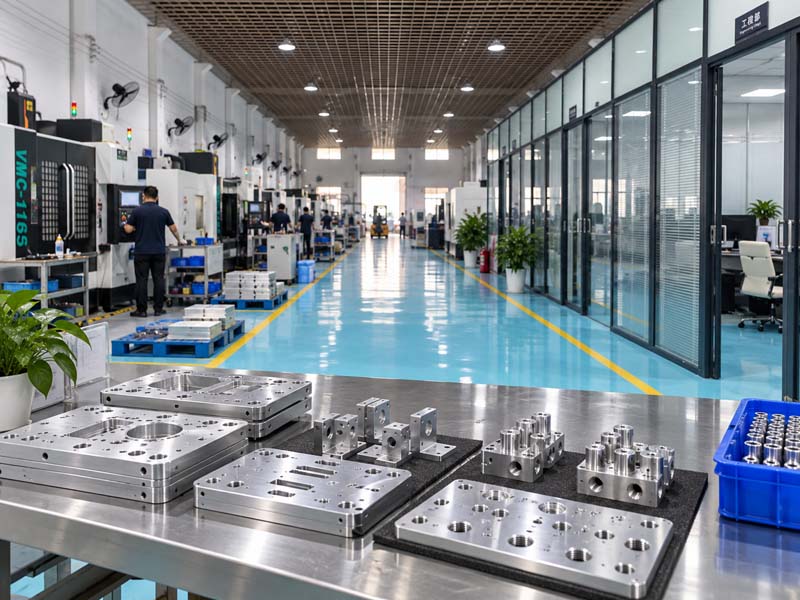
Designing parts for CNC machining is not just about function. A seemingly small detail—a sharp internal corner, a thin wall, an unnecessarily tight tolerance—can turn a straightforward part into an expensive, high-risk project. Engineers and procurement professionals alike need to understand how geometry, material, and specification choices affect the manufacturing process, the number of setups, tool life, scrap rate, and ultimately the final cost and lead time.
This guide provides practical design guidelines based on real machining constraints. It is written for design engineers who want to optimize their models for manufacturing, and for procurement and sourcing professionals who need to evaluate designs, communicate with suppliers, and make informed decisions during quoting and production.
Why Design Decisions Directly Impact CNC Machining Cost
CNC machining cost is driven by three main factors: machine time, setup complexity, and tooling. Every design decision influences one or more of these.
- Machine time increases with the amount of material removal, the number of tool changes, and the need for smaller stepovers or slower feeds due to vibration or deflection.
- Setup complexity rises when a part cannot be machined in a single clamping. Each additional setup adds alignment time, potential tolerance stack-up, and fixture cost.
- Tooling includes the number of different tools required, the need for specialized long-reach or small-diameter tools, and the wear rate caused by abrasive materials or interrupted cuts.
When a design forces the machinist to use extra-long endmills, multiple workholding solutions, or tight tolerances on non-critical surfaces, the cost can double or triple without any functional benefit. The goal of good design for manufacturability (DFM) is to achieve the required function with the simplest possible machining process.
Critical Design Parameters That Affect Machinability
Wall Thickness
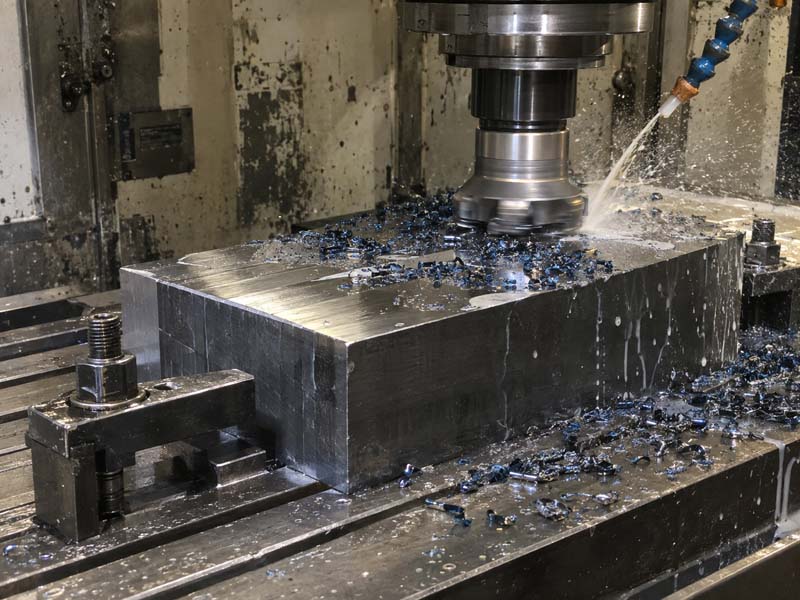
Thin walls are one of the most common sources of machining difficulty. As the wall thickness decreases, the part becomes less rigid, and cutting forces can cause deflection, vibration (chatter), and even permanent deformation. The minimum recommended wall thickness depends on the material and the feature height:
- Aluminum: 0.5–0.8 mm for low-height walls (under 10 mm); 0.8–1.5 mm for walls up to 25 mm.
- Stainless steel: 1.0–1.5 mm for short walls; 1.5–2.5 mm for medium heights.
- Steel: 1.0–2.0 mm typical; thicker required for deep walls.
- Brass / Copper: similar to aluminum but more prone to burring.
- Plastics (e.g., Delrin, Nylon): 1.0–2.0 mm; thermal expansion can cause warping.
These are general references. The actual safe thickness depends on the aspect ratio (height/thickness), the rigidity of the overall part, and the tool reach required. If your design requires very thin walls, consider adding gussets, ribs, or a thicker base to support the wall during machining. Also, avoid tall, unsupported thin walls; they will vibrate and produce poor surface finish.
Internal Corners and Radii
Internal corners are machined with endmills, which produce a radius equal to the tool radius. A sharp internal corner (90° with zero radius) is impossible without a separate operation (e.g., EDM) or using a smaller tool that increases machining time and may chatter.
- General guideline: Specify an internal corner radius of at least 1/3 of the pocket depth, or a minimum of 0.5–1.0 mm for shallow pockets.
- Preferred approach: Use a radius equal to a standard tool diameter (e.g., 3 mm, 4 mm, 6 mm, 8 mm, 10 mm) to allow the use of a rigid endmill.
- Avoid: Specifying a radius smaller than the depth/20, as this forces a long, slender tool.
If a sharp corner is functionally required, consider adding a small relief groove or undercut (T-slot) that can be machined separately. Many engineers overlook that the CAD model often shows a sharp corner, but in reality, a small radius (0.1–0.2 mm) is acceptable for most applications and greatly improves machinability.
Pocket Depth and Cavity Design
Deep pockets increase machining time because the tool must be retracted and advanced in small steps (pecking) to clear chips and prevent tool deflection. The deeper the pocket, the longer the tool overhang, which reduces rigidity and surface finish.
- General rule: Keep pocket depth less than 3x the tool diameter for efficient roughing. For finishing, depth can be up to 5x diameter with slower feeds.
- Reduce depth: If possible, design the part as a shallower pocket with a separate cover or insert.
- Use relieved pockets: Consider stepping the pocket floor or adding a draft angle (e.g., 0.5°) if the function allows, to improve tool access.
- Chip evacuation: Deep, narrow pockets (slot-like) are the worst. If unavoidable, provide through-holes or slots for coolant and chip clearance.

Hole Design and Tolerances
Holes are one of the most common features in machined parts. The design parameters—diameter, depth, tolerance, and location—significantly affect machining cost.
- Standard hole sizes: Use sizes that correspond to standard drills and reamers (e.g., 3, 4, 5, 6, 8, 10, 12 mm or imperial equivalents). Non-standard sizes may require special tooling.
- Depth-to-diameter ratio: For holes deeper than 4–5x diameter, chip removal becomes difficult, and deep-hole drilling (with pecking) adds cycle time. For very deep holes (10x+), specialized gun drilling may be required.
- Tolerance: Only specify tight tolerances on holes that require precise fits (e.g., H7, H6). For clearance holes, use ISO tolerance H13 or similar. Every tightly toleranced hole adds inspection time and potential rework.
- Hole positioning: Place holes symmetrically and with generous distances to edges (minimum 1x diameter from edge, preferably 1.5x) to avoid distortion and simplify fixturing.
Threads and Undercuts
Threads are typically machined by tapping (internal) or single-point threading (external). Design recommendations:
- Use standard thread sizes (M3, M4, M5, M6, M8, etc.) to avoid custom taps.
- Provide thread runout clearance (e.g., a chamfer or counterbore at the start and a relief groove at the bottom).
- For blind holes, leave at least 1.5x pitch depth beyond the thread for the tap.
- Undercuts (internal grooves) require special tools or a secondary operation. Avoid if possible, or design with a standard groove width.
Tolerances and Surface Finish – How to Specify Them Correctly
A common mistake is over-tolerancing. Many drawings specify ±0.1 mm or even ±0.05 mm on every dimension, even those that are non-critical. This raises cost without improving function.
- Typical CNC machining tolerance: ±0.125 mm (±0.005 in) for general dimensions. Tighter tolerances of ±0.025 mm (±0.001 in) are achievable but increase cost due to slower machining, tool wear control, and inspection.
- Selective tolerance application: Identify the 2–3 critical dimensions that affect fit, function, or assembly. Apply tight tolerances only to those. Mark all other dimensions with a general tolerance note (e.g., ISO 2768-m or ISO 2768-f).
- Geometric tolerances (GD&T): Use flatness, parallelism, and position tolerances where needed, but ensure they are realistic relative to the part size and setup. Avoid stack-up of multiple tolerances.
- Surface roughness: The standard machining finish is Ra 1.6–3.2 μm (63–125 μin). For sealing surfaces or sliding fits, Ra 0.8 μm (32 μin) may be needed. Grinding or polishing can achieve Ra 0.2 μm but at much higher cost. Only specify a fine finish on functional surfaces.
Include a surface finish symbol on the drawing for critical surfaces; otherwise, leave a general note like “All surfaces Ra 3.2 μm unless otherwise specified.”
Material Selection and Its Influence on Design
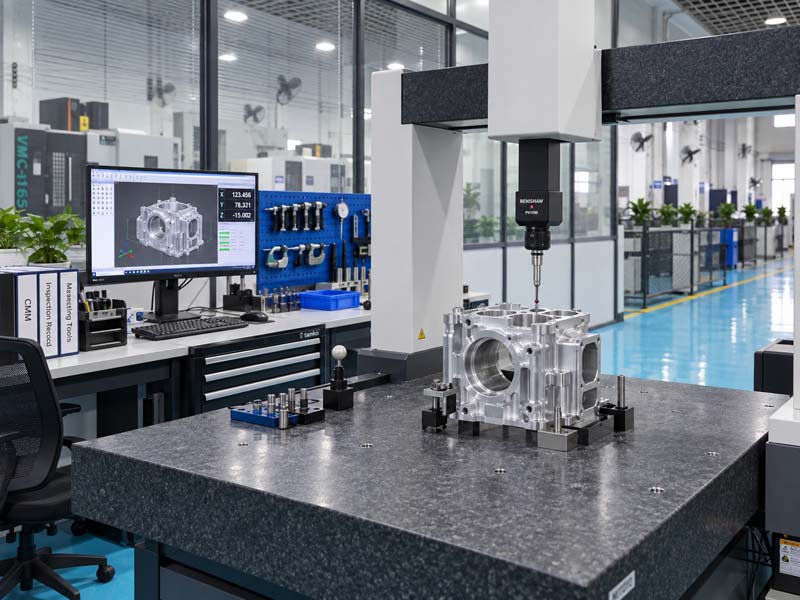
The material not only determines the mechanical properties but also the achievable tolerances, minimum wall thickness, surface finish, and tool wear. Here’s a brief overview of common CNC materials from a design perspective:
- Aluminum (6061, 7075): Excellent machinability, low cutting forces, high thermal conductivity. Allows thin walls and tight tolerances. Ideal for complex geometries and prototypes.
- Stainless Steel (304, 316): Harder, work-hardens during cutting. Requires rigid setups, sharp tools, and slower speeds. Design for larger radius corners and avoid deep, thin features.
- Carbon Steel (1018, 1045): Good machinability but heavier. Similar design rules to stainless but slightly easier on tooling. Care with deep holes and thin walls.
- Brass (C360, C260): Excellent machinability, low tool wear. Can achieve fine surface finish. Soft; be careful with thin walls that can deform under clamping.
- Plastics (Delrin, Nylon, PEEK): Low melting point; heat buildup can cause smearing or melting. Use sharp tools and adequate coolant. Thin walls may warp; internal radii should be larger to avoid stress concentrations.
- Titanium (Grade 2, 5): Extremely difficult to machine (low thermal conductivity, high strength). Requires rigid setups, reduced speeds, and generous radii. High cost; avoid tight tolerances unless essential.
When selecting a material for CNC machining, consider not only the final part requirements but also the ease of machining. If you have the flexibility, aluminum is often the most cost-effective choice for complex parts. For procurement professionals, knowing the material’s machinability helps evaluate supplier capability and estimate lead times.
Reducing Machining Setups Through Smart Design
Every time a part must be flipped, rotated, or moved to a different machine, setup time increases and tolerance stack-up risk rises. The number of setups directly correlates with cost.
- Design for single-sided machining: Place all critical features on one side of the part. Use through-holes instead of blind holes on opposite sides.
- Use datums and reference surfaces: Ensure the first setup includes a flat, machined surface that can be used as a reference for subsequent setups.
- Minimize undercuts and back features: Features on the underside of the part typically require a second setup or a specialized tool (e.g., a right-angle head). Redesign to bring features to accessible surfaces.
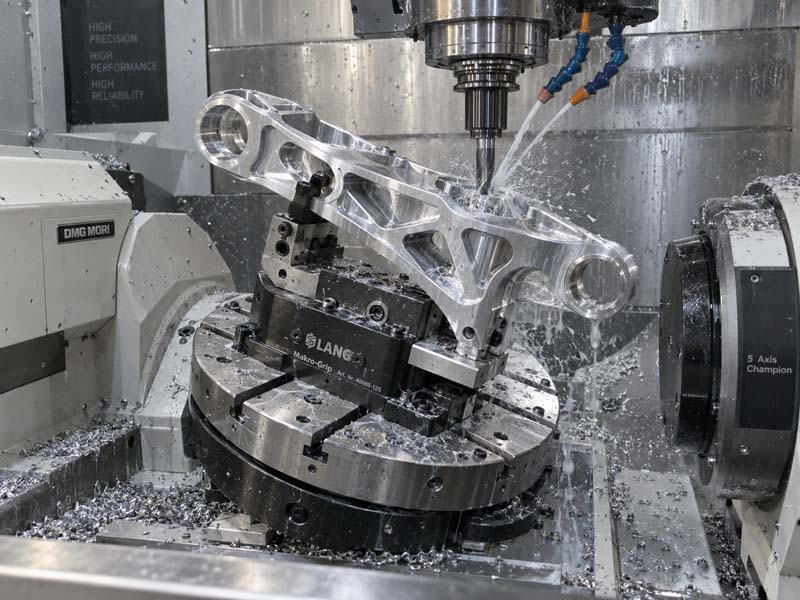
- Consider 5-axis machining: For complex parts requiring multiple angled features, 5-axis can reduce setups from 3–5 to 1–2. However, 5-axis machining is more expensive per hour, so balance the savings against the higher rate.
- Symmetry: Design symmetrical features so the part can be machined from the same side, reducing the need for reorientation.
A good rule of thumb: if a part requires more than 3 setups, discuss with your machining partner whether a redesign or a different process (e.g., 5-axis or mill-turn) could consolidate operations.
How to Prepare Drawings and 3D Models for CNC Machining
Clear communication between the designer, the procurement team, and the machine shop is essential. Here are the key elements of a complete RFQ package:
- 3D model (STEP, IGES, or native CAD): Always provide a 3D model for toolpath generation. STL files are not ideal; use STEP (.stp) for maximum compatibility.
- 2D drawing with critical dimensions: While CAM software can pull dimensions from the model, a 2D drawing with tolerances, surface finish symbols, thread callouts, and general notes is still the industry standard for communicating requirements. Ensure the drawing includes a title block, material specification, and revision.
- Material grade and condition: Specify the exact alloy and temper (e.g., 6061-T6, 304L, A2 tool steel). This affects machinability and final properties.
- Tolerance notes: Use a general tolerance standard (e.g., ISO 2768-mK) and mark critical dimensions individually.
- Surface finish requirements: Indicate Ra values for functional surfaces. For non-functional surfaces, omit or state “as machined.”
- Thread specifications: Include thread class (e.g., 6H for internal, 6g for external), depth, and any required runout or relief.
- Quantity and packaging: State if parts are to be delivered cleaned, deburred, and individually wrapped, or bulk packed.
Procurement professionals should review the design with the engineer before sending the RFQ. Look for: missing tolerances, sharp internal corners, deep pockets over 10x diameter, thin walls under 1 mm, and non-standard thread sizes. Asking the machine shop for a DFM review early can save both time and money.
By applying these design guidelines, engineers can create parts that are easier to manufacture, faster to produce, and lower in cost without compromising function. Procurement professionals can use these principles to evaluate designs, challenge unnecessary tolerances, and select qualified machining partners. Ultimately, the collaboration between design and manufacturing—starting at the drawing board—is what separates a low-risk, cost-effective project from one that encounters delays, high scrap rates, and budget overruns.
Remember: the most efficient design is not the one with the lightest weight or the most complex geometry, but the one that can be machined reliably, inspected quickly, and assembled without rework. Keep the tool in mind, respect the material, and always ask: “Could this feature be simplified?”